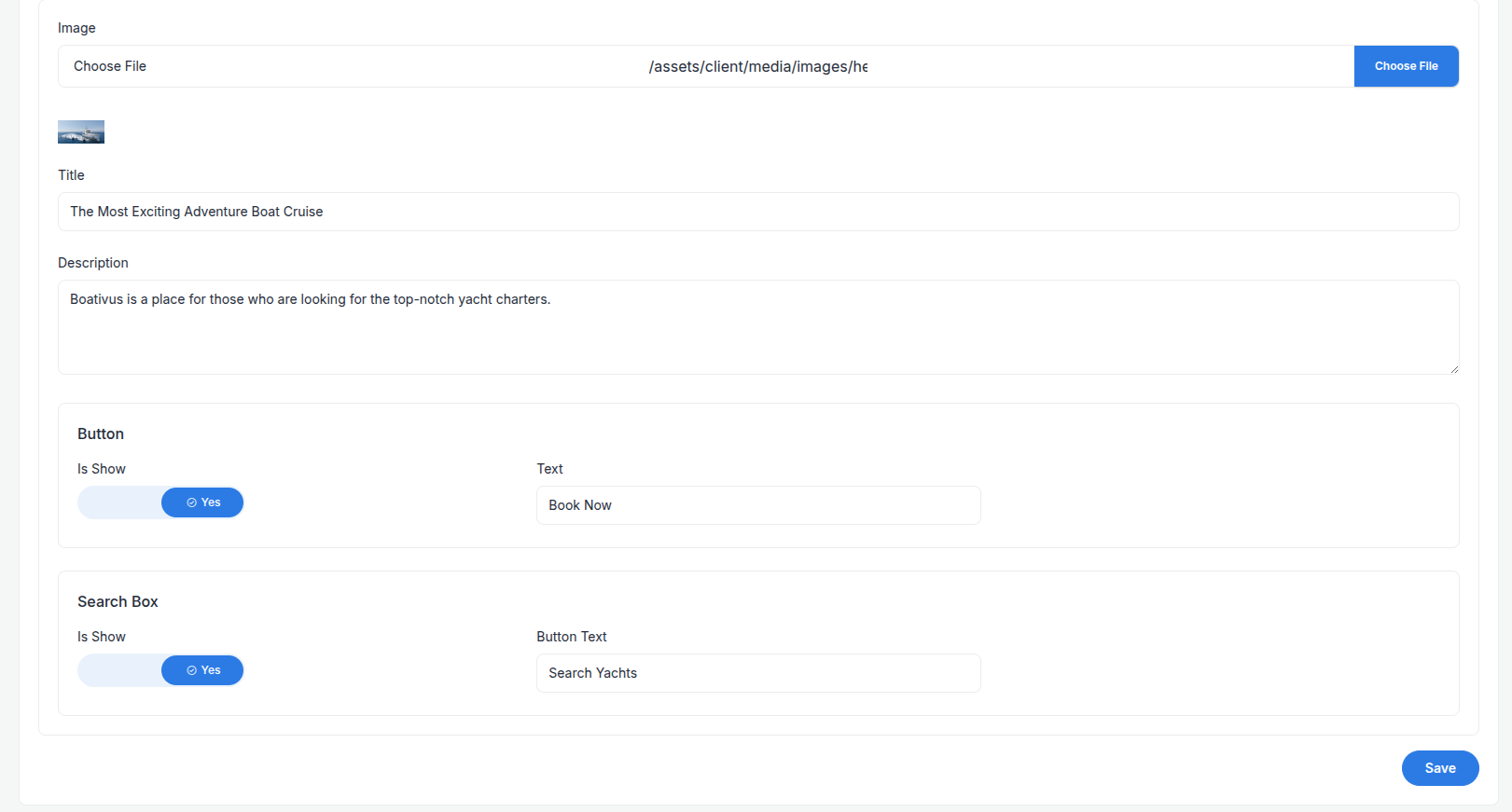
Frontend Content
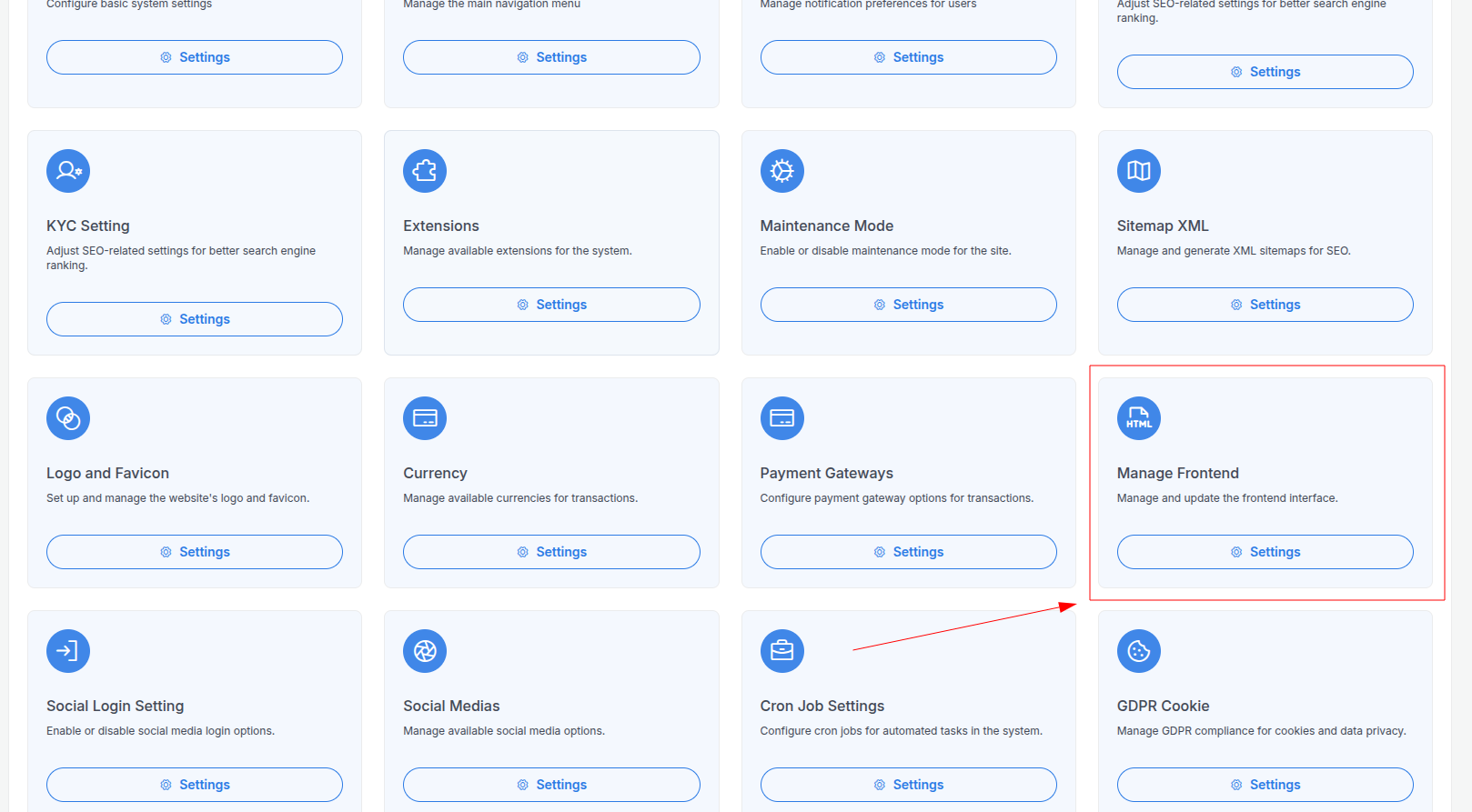
Go to the system setting and select Manage Frontend Sections on the list view then click, it will redirect to Frontend Content List page.
In this page you can see all of our frontend sections are listed.
info
Note: There is no create section option. You can only update the existing prebuild sections.
You can edit any section by clicking the arrow button on the right side of the section, then edit the section content and save it.
We created some prebuild sections for you. Build your page with these prebuild sections.
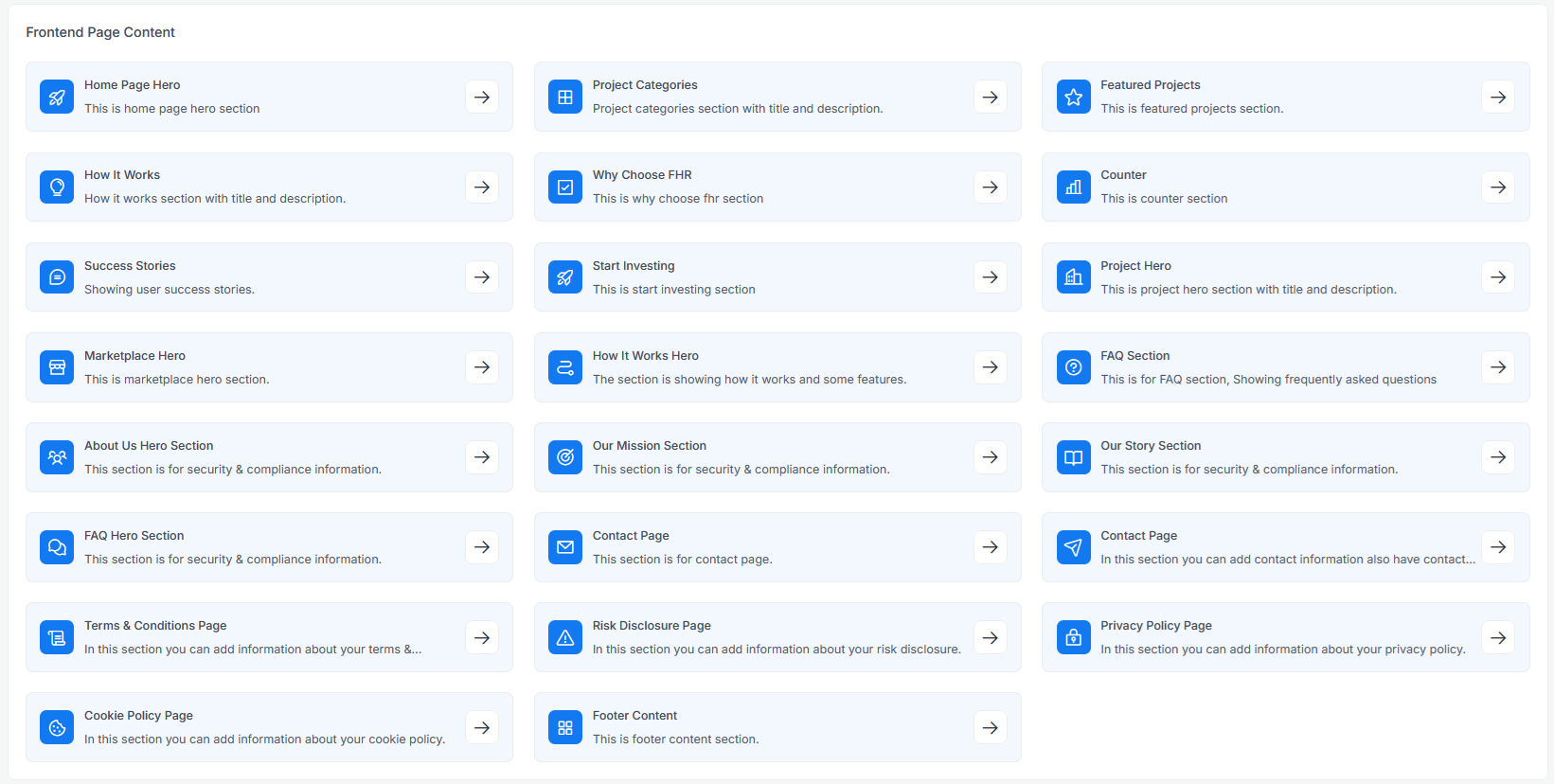
Update the section by clicking the arrow button on the right side of the section, then edit the section content and save it.